Displays & Stands
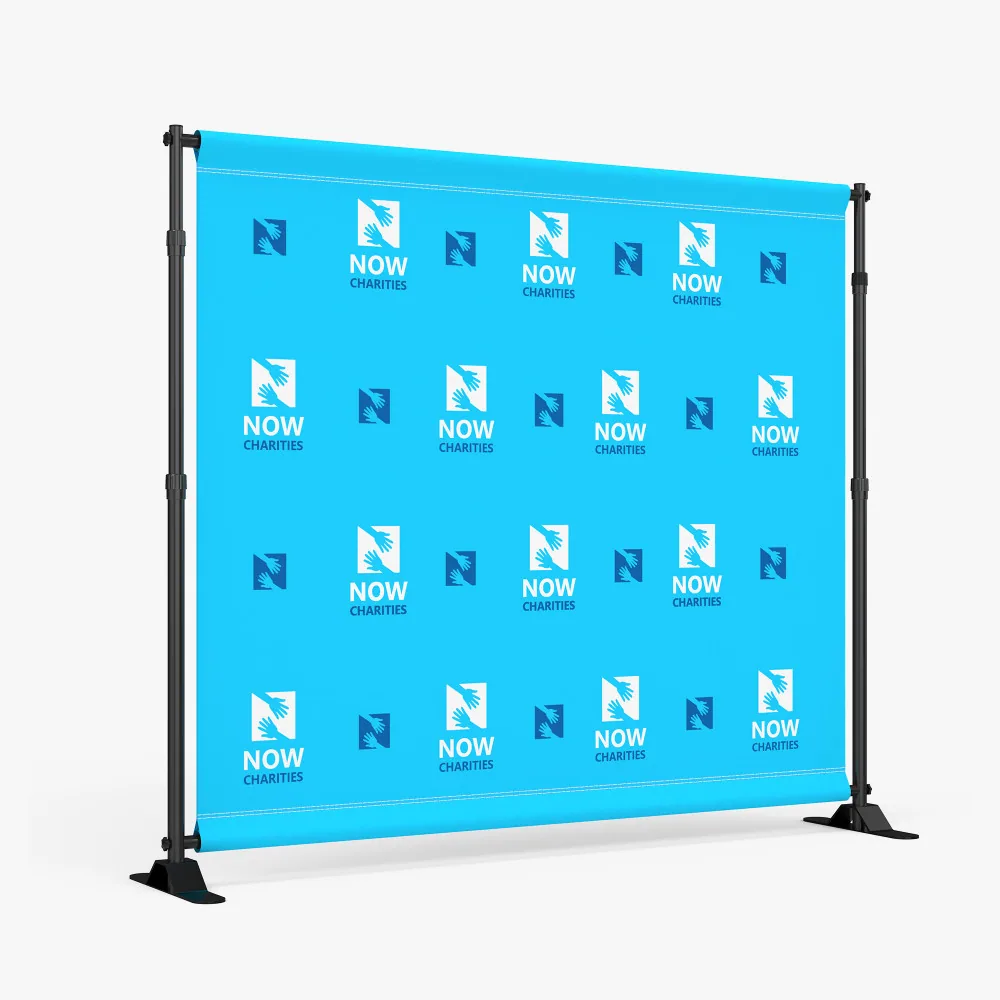
Step and Repeat Backdrop
Large tube hardware - more durable than the competition
Adjustable height and width Customize & Get QuoteGet QuoteSame-day cut-offOrder and approve by 6 AM PST for same-day and it is ready that day.
Free file checkA person checks your artwork before it prints.
Pickup or deliveryCollect it from us, or we ship it to your door.
Dye sub pillowcase graphics
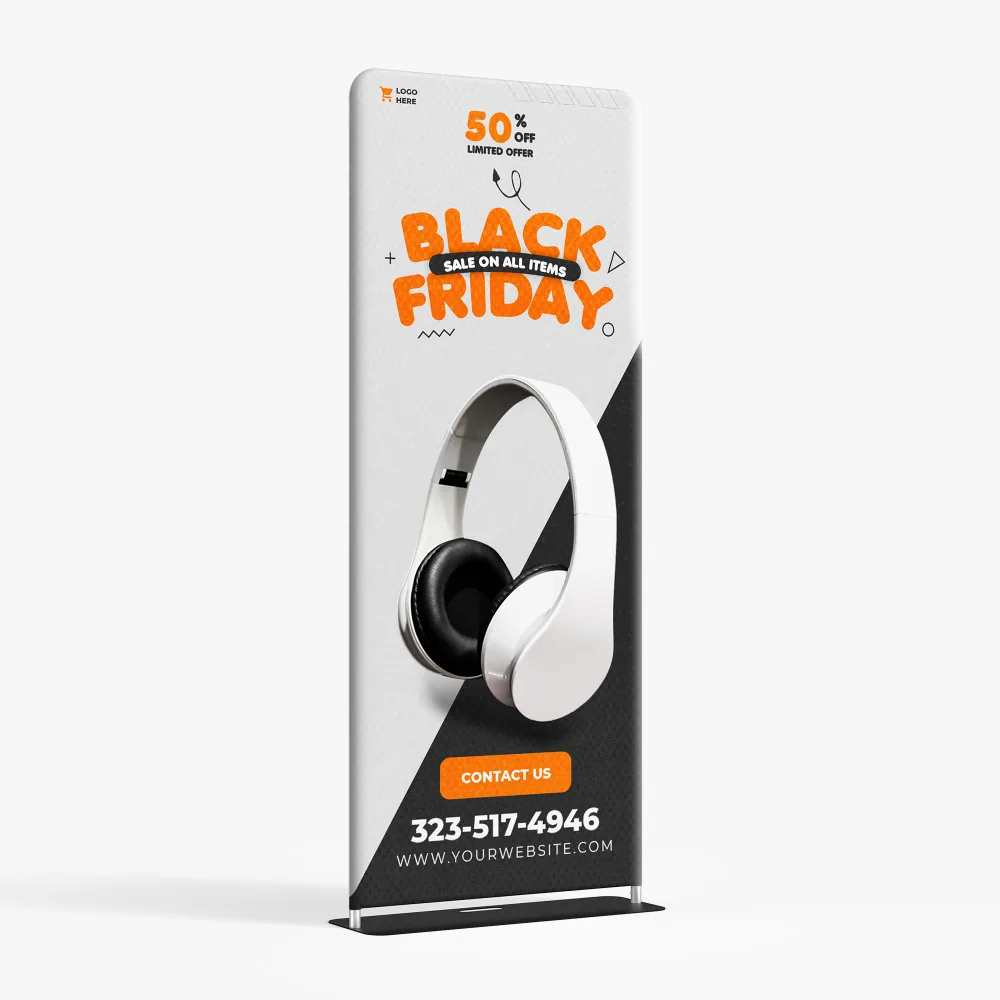
Tension Fabric Stands are premium indoor displays. The interlocking tube hardware is lightweight and built for lightning quick setups, no tools necessary! Once the hardware is in place just slip the "pillow-case" stretch fabric graphic over the frame, zip the graphic closed and set-up is complete. Graphics are full-color custom dye-sub. Add the double-sided option for twice the graphic impact.
Dye Sublimated 8.8 oz Tension Fabric
Additional Tips
36"x90"
48"x90"
1. To connect all the aluminium tubes according to the numbering
2. Using the big plastic screw parts to fasten the bottom cross bar
3. To wrap the fabric banner on the frame and zip up, afterwards install whole display stand to the base.
4. To install the lights clips to the top of display stand and fasten by screw, then slip the lights in position
Video Installation Guide
Tension Fabric Stands are premium indoor displays. The interlocking tube hardware is lightweight and built for lightning quick setups, no tools necessary! Once the hardware is in place just slip the "pillow-case" stretch fabric graphic over the frame, zip the graphic closed and set-up is complete. Graphics are full-color custom dye-sub. Add the double-sided option for twice the graphic impact.
Dye Sublimated 8.8 oz Tension Fabric
Additional Tips
36"x90"
48"x90"
1. To connect all the aluminium tubes according to the numbering
2. Using the big plastic screw parts to fasten the bottom cross bar
3. To wrap the fabric banner on the frame and zip up, afterwards install whole display stand to the base.
4. To install the lights clips to the top of display stand and fasten by screw, then slip the lights in position
Video Installation Guide
Large tube hardware - more durable than the competition
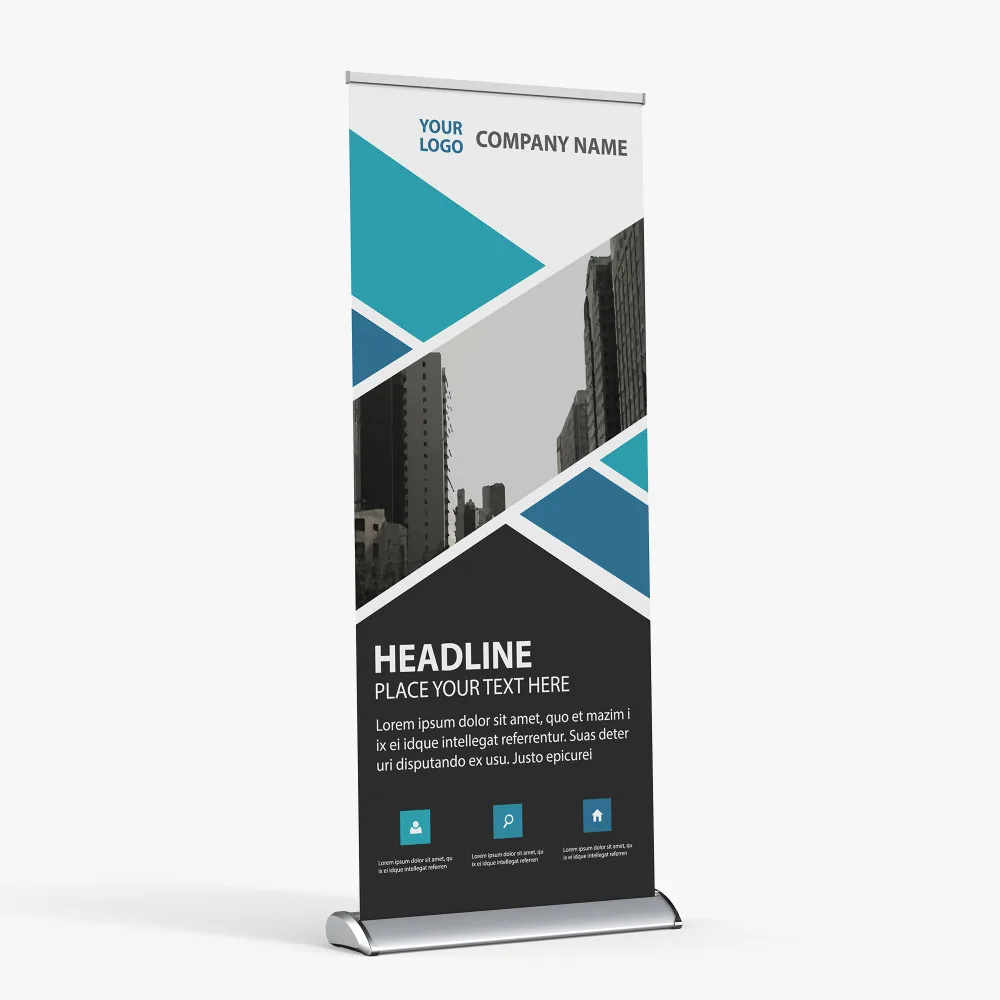
Adjustable height and width Customize & Get QuoteGet QuoteUV printed fabric graphic - curl-free edges
Compact aluminum hardware with two stabilizing... Customize & Get QuoteGet QuoteUV printed fabric graphic - curl-free edges
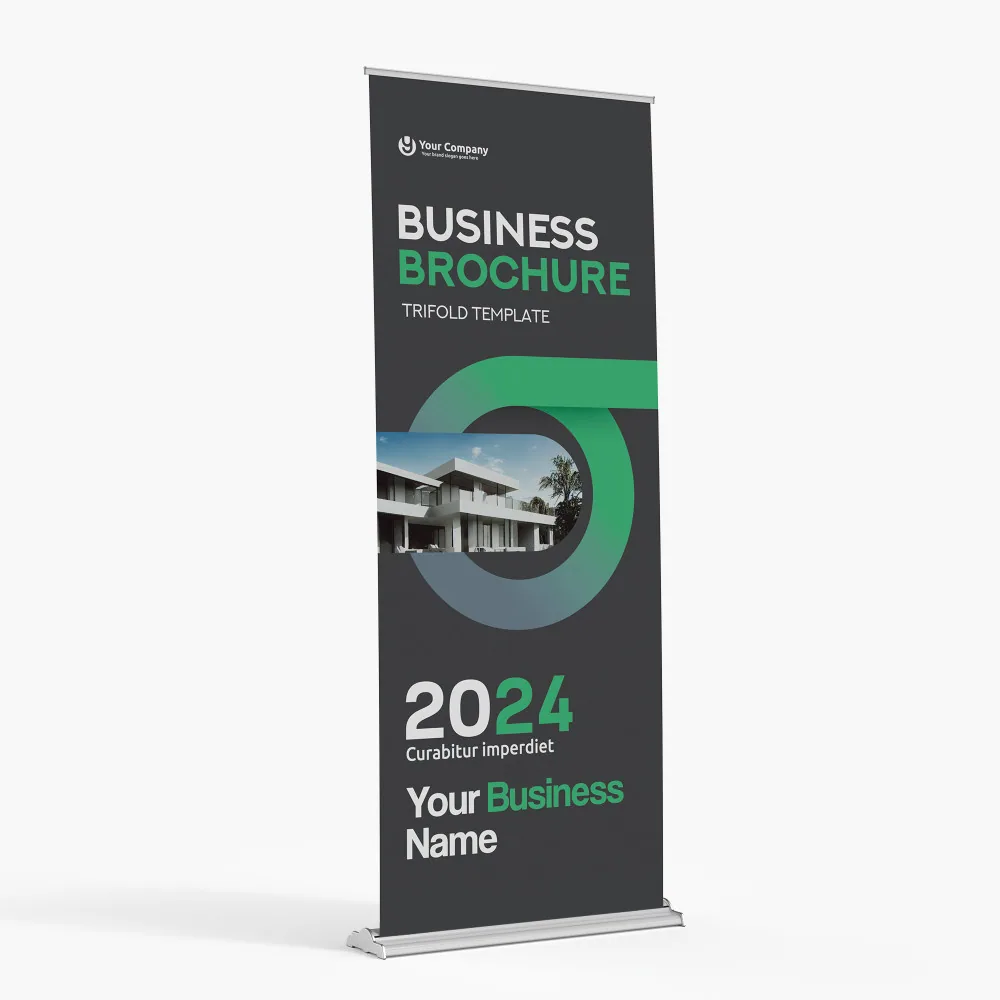
Upscale aluminum hardware with chrome endcaps Customize & Get QuoteGet QuotePremium retractable hardware - Chrome accents
Adjustable height Customize & Get QuoteGet Quote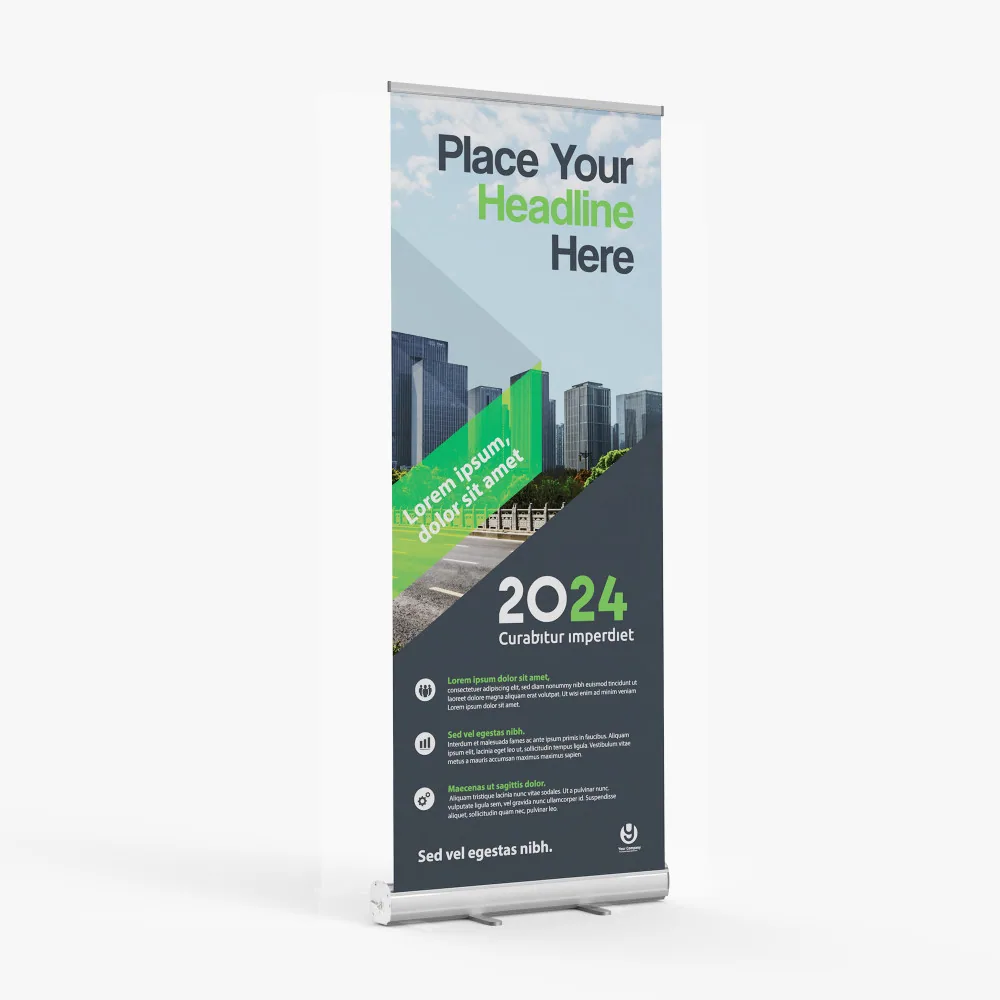
 All Products